Digital Privacy for Creators: How to Check and Remove Photo Metadata Before Publishing
The Importance of Checking Privacy Before Sharing Content
Every photo you publish may carry information that is not visible on the screen. If you create content, work from home, or share personal images, review that data before uploading files to Instagram, OnlyFans, or other platforms. The technical detail that often goes unnoticed is metadata.
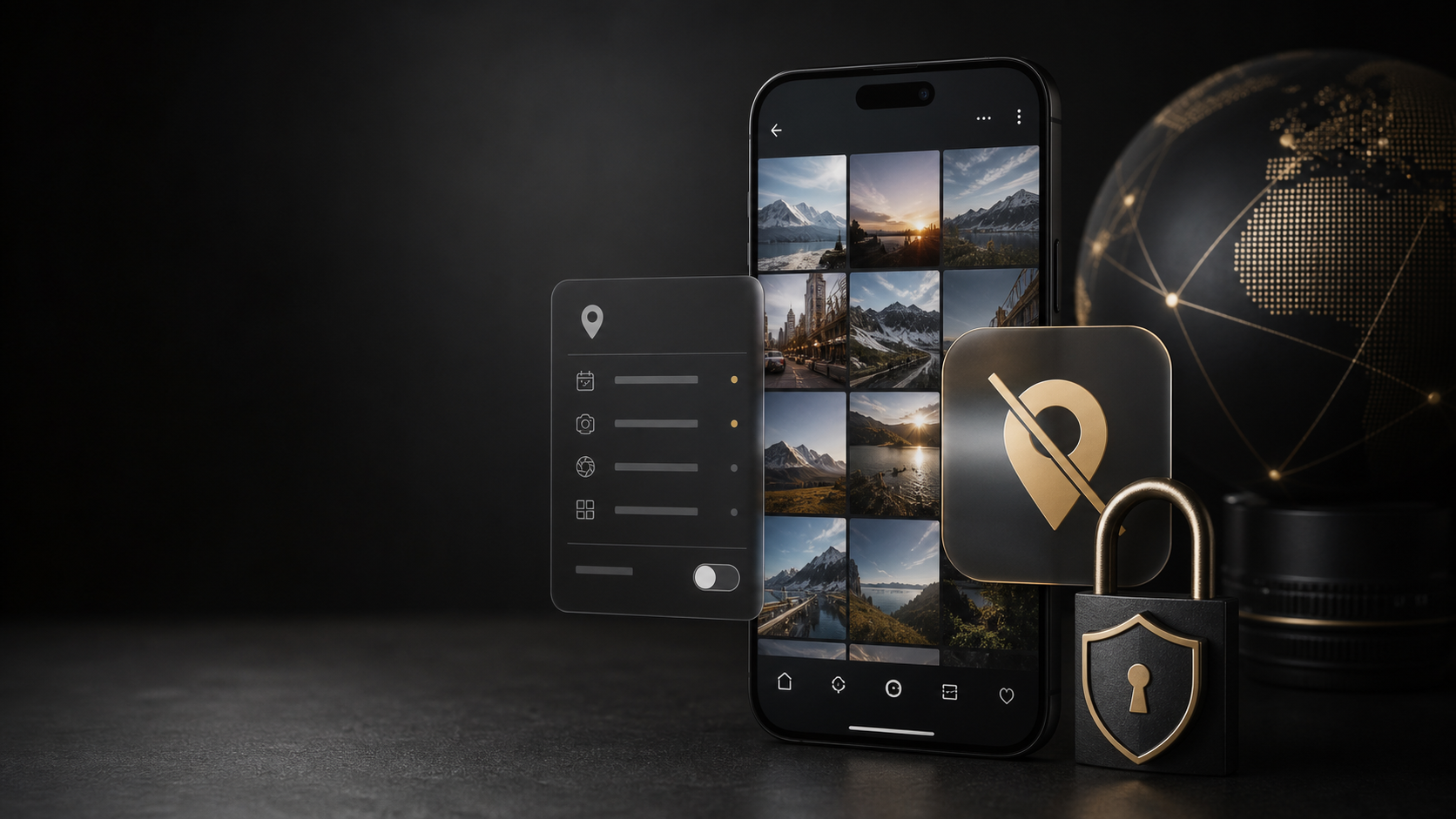
Metadata is data about data. It is not the image itself, but the information that travels with it. It may include the camera brand, the exact date of the shot, the device model, and, in some cases, the GPS coordinates of where the photo was taken. For a content creator or an escort who prioritizes discretion, this is a risk that must be managed seriously.
Black Magazine, Argentina Black's magazine, considers security and privacy fundamental pillars. We prepared this guide so you can review, edit, and remove that data before publishing content. It is not about hiding reality, but about having control over who has access to it.
What EXIF Metadata Is and Why It Is Dangerous
The technical information residing in a digital image file is stored in the EXIF (Exchangeable Image File Format) tag. This tag is readable by any software or application capable of interpreting image files, not just advanced photo editors.
The most sensitive data usually found in this metadata includes:
- GPS Location: Precise coordinates (latitude and longitude) indicating exactly where the photo was taken.
- Device Data: Camera model, phone serial number, or operating system version.
- Date and Time: The exact capture date, which can reveal routine schedules or travel.
- Shot Information: Shutter speed, aperture, or even whether flash was used.
Imagine you post a photo of your new apartment. If the metadata has not been cleaned, someone with basic knowledge can see that the photo was taken in your home. If you publish exclusive content, this can compromise your physical security and professional reputation. As mentioned by Apple and Google technical support, these locations usually come directly from your device's GPS signal when taking the photo, making prevention a simple but fundamental technical task.
How to Check Metadata on Your Smartphone
Before editing or publishing any image, it is vital to perform a privacy "audit." Here we explain how to check this data on the most widely used operating systems. Keep in mind that location options and menus may change depending on the device, operating system, and metadata origin.
On iPhone (iOS) and iPad
Apple has integrated security tools into its system. To check metadata in a photo:
- Open the Photos app.
- Select the image you want to review.
- Tap the "More" icon (the three vertical dots) in the top right corner.
- Select "Info."
Here you can see the technical details. If you see "Location: Not available" or "No location information available," then the photo is safe. If you see an address or coordinates, it is time to act. Apple allows you to remove location and limit its collection. It offers the option to edit or delete the location added to the photo in this same menu. Additionally, it is recommended to go to Settings > Privacy > Location Services and ensure that the "Use location while taking photos" option is turned off for future captures.
On Android
Google Photos also allows you to check this information. The process is similar:
- Open the Google Photos app.
- Tap the image.
- Tap the pencil icon in the bottom right corner to edit.
- Select the "Info" or "EXIF Data" tab (depending on the app version).
In this section, Google distinguishes between camera locations, estimated, and manual. You can see if the photo contains active coordinates. If the file comes from a professional camera with integrated GPS, it is possible that the information cannot be edited directly from the Google app, which means you will need to use third-party applications to clean this data before uploading the image to your profile.
How to Remove Location from an Image
Removing location information is a critical step, but it is not the only one. Sometimes, even without technical metadata, the image itself can reveal your location.
Using Built-in Tools
Do not assume that basic editing removes EXIF data. Use explicit controls: on Apple devices, you can review or remove location in Photos and limit the Camera app's access to location; in Google Photos, the available options depend on whether the location came from the camera, was estimated, or was added manually. Check the final file before publishing it.
Recommended Third-Party Apps
For creators who require total control, there are applications designed specifically for digital privacy. These tools usually have dedicated buttons to "Clean metadata" or "Delete location" in a single click.
- Metapho: An iOS application that allows you to view and delete all EXIF metadata before sharing a photo.
- Photo Exif Editor: Available for Android, this app allows you to edit or delete location, date, and brand information.
These apps are especially useful when working with professional cameras: if the equipment records GPS data, that information usually remains in the original file until you explicitly remove it with a metadata tool.
Reducing Visual Clues: Beyond Location
Beyond technical data, there are visual elements that can reveal your environment without the need for GPS metadata. Visible landmarks can also reveal a location.
Avoiding Traffic Signs and Billboards
This is a basic but very effective technique. Avoid including street signs, gas station brands, government buildings with emblems, or traffic signs in your photo frame. Even if the metadata is clean, an expert can identify the place based on architecture or urban planning.
The Horizon and Weather
The time of day you take the photo also matters. A photo taken at noon with intense light can indicate the time, but if you do not have control over the weather (for example, if it is an outdoor photo shoot), you can try using filters or editors that slightly alter the color temperature so the photo does not look like it was taken at exactly 2 PM.
Recognizable Environments
If you work in specific areas, such as certain neighborhoods in Buenos Aires or Recoleta, it is important to be aware of iconic places. Publishing a photo that shows a unique facade of a historic building may be enough to locate your exact address if the context is clear. At Argentina Black, we encourage our community to care for their integrity, and this includes caring for their physical environment.
The Secure Workflow: How to Prepare Your Photos Before Publishing
To establish a professional routine, we suggest creating a workflow that includes these steps before sending any material to your profile or website:
- Capture: When taking the photo, ensure the device's GPS is disabled if not necessary.
- Review: Before editing, open the photo in a metadata app and verify that there are no coordinates.
- Editing: Make the necessary aesthetic retouches (brightness, contrast, cropping).
- Final Verification: Open the photo again in the metadata app to confirm that technical information remains minimal.
- Publication: Upload the final file to your destination platform.
Google warns that a location can also be inferred by visible landmarks even if technical metadata is not shared. Therefore, always check the visual context of the image. If you are an OnlyFans creator, this is vital to maintain the exclusivity and security of your content.
The Role of Platforms and Creator Responsibility
It is important to clarify that major social networking platforms (Facebook, Instagram, X, etc.) and specialized directories usually delete EXIF metadata when you upload a photo. However, this does not mean the creator can be careless. There are times when files are uploaded directly to cloud storage services or shared in private chats, where metadata may persist.
Additionally, if a third party downloads your photo, it is possible they can recover the original information if it has not been removed from the file. Final responsibility lies with the content generator. Protecting your privacy is a sign of professionalism. It demonstrates to your clients and followers that you value your security and that of your personal information.
Conclusion
In a world where image is the primary means of communication, digital privacy is the new luxury. Having control over what information travels with your photos allows you to enjoy your work without worries. Whether you are managing an OnlyFans account or sharing personal moments on Black Magazine, the golden rule is simple: check before publishing.
It is not enough to turn off GPS on the camera. It is necessary to verify technical data, clean visual clues, and establish a secure workflow. This not only protects your location but also protects your reputation and peace of mind. If you want to keep learning about how to manage your profile and content with the highest possible security, do not hesitate to explore the profiles and guides we offer at Argentina Black. Your security is our priority.
Tu próximo paso en Argentina Black